
Insights
The Insights screen is the way into five reports, each answering a different question.
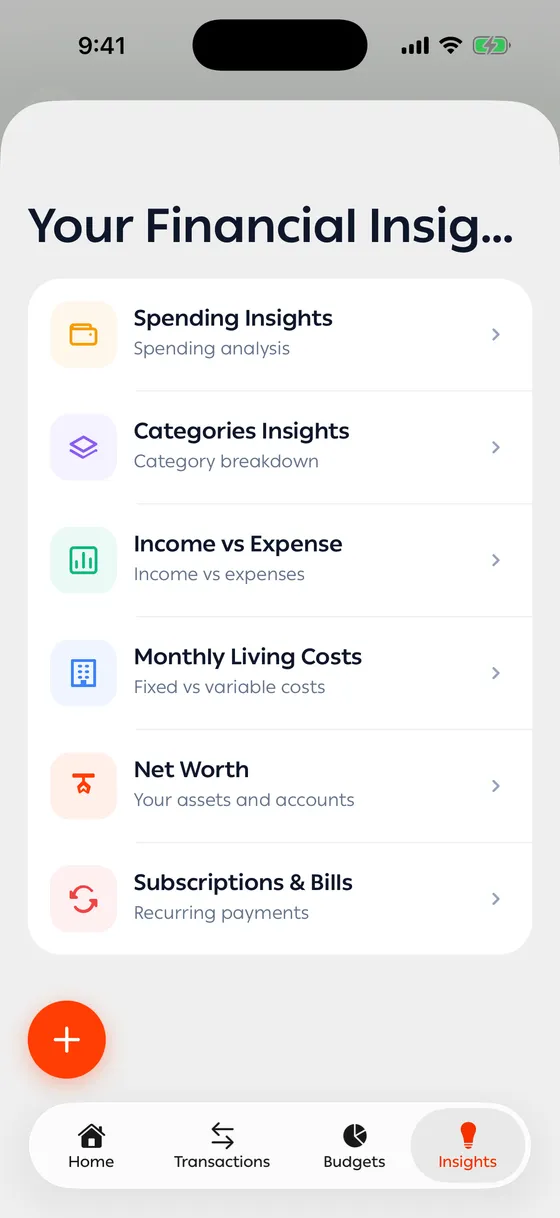
| Report | Answers |
|---|---|
| Net Worth | What is everything I have worth? |
| Spending Insights | How much did I spend, where, and compared to what? |
| Categories Insights | What kind of spending is my money going to? |
| Income vs Expense | Am I saving, or spending everything that comes in? |
| Monthly Living Costs | What’s fixed in my spending, and what moves? |
The period
Section titled “The period”At the top you pick the period: This Month, 7D, 30D, 3M, 6M, 1Y, All, or Custom with two dates. That choice applies to every report.
Each report compares the period you picked against the one before it, so you can see whether you’re going up or down.
Where the numbers come from
Section titled “Where the numbers come from”Your transactions. The more you record, the truer your insights get. Change the category on an old transaction and the reports adjust with it.
- Start with Income vs Expense. It’s the fastest read on whether you’re on track.
- The comparison with the previous period matters more than the number itself.
- Tap any part of a chart to see the transactions behind it.
Common problems
Section titled “Common problems”The reports are empty — the period you picked has no transactions in it. Widen it.
The numbers aren’t what I expected — some transactions are in the wrong category. Fix them in bulk from Bulk edit and export.