
Logging out, clearing data, deleting your account
The bottom of the Account screen holds three options that look alike and end very differently.
| Option | What it does | Reversible? |
|---|---|---|
| Log out | Signs you out on this phone only. | Yes — sign back in and everything is there. |
| Clear my data | Deletes your transactions, accounts, budgets, assets and recurring payments. The account itself stays. | No. |
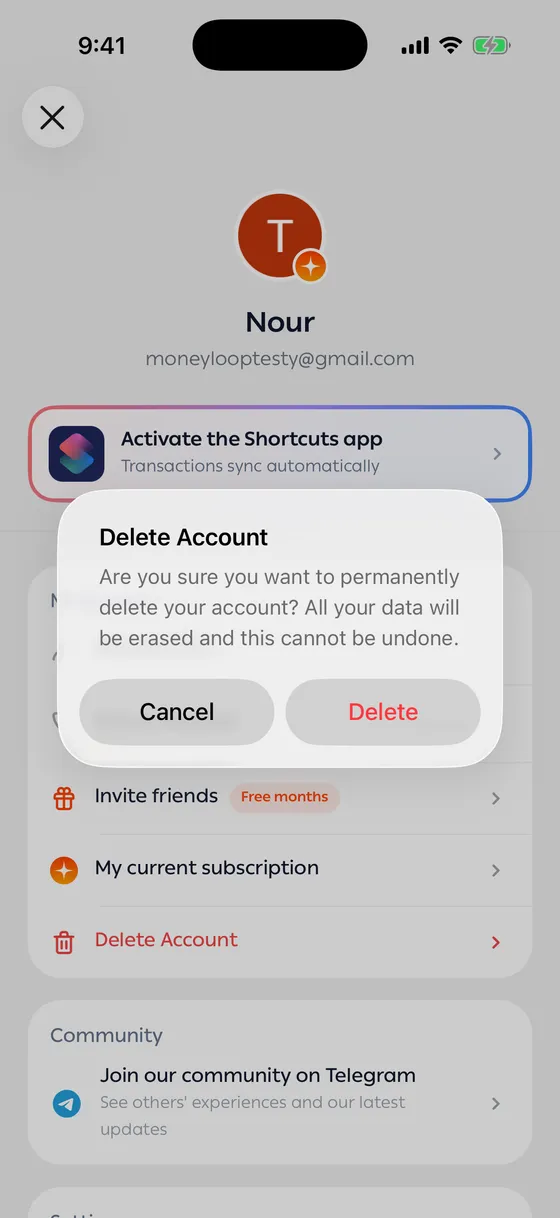
| Delete Account | Permanently deletes your account and everything in it. | No. |
Log out
Section titled “Log out”The normal reason is changing phones. Sign in with the same account on the new one and your data is exactly where you left it.
Clear my data
Section titled “Clear my data”Before it runs, it shows you precisely how many transactions, accounts, budgets, assets and recurring payments will go. Read that list carefully.
Your General and Cash accounts are reset to a zero balance.
Delete Account
Section titled “Delete Account”Deletes everything permanently and closes the account. If you have an active subscription, cancel it first where you paid — deleting the account does not stop billing.
- If what’s bothering you is wrong data rather than the app itself, try Bulk edit first.
- Export your transactions before any clearing, in case something turns out to matter later.
Common problems
Section titled “Common problems”Clearing stopped halfway — it needs a connection. Try again.
I cleared my data by mistake — there’s no recovery. Start again from Importing a statement if you have statements.