
Adding gold and silver
Limited on the free planGold and silver change value every day. Record the weight once, and the app works out what it’s worth at today’s price every time you open it.
Adding
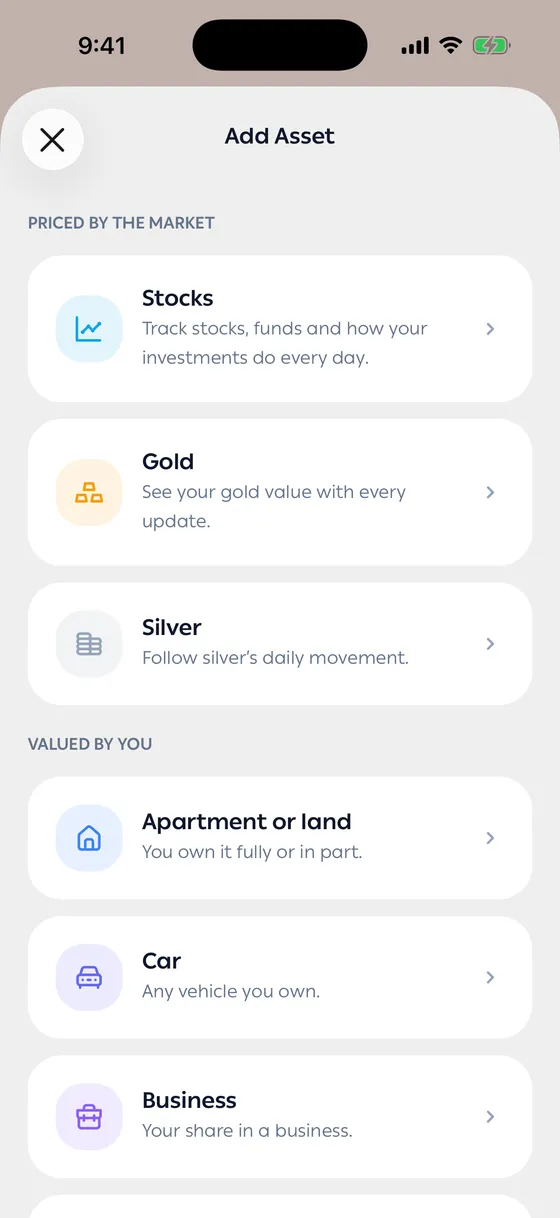
Section titled “Adding”- Open your portfolio and tap Add Asset.
- Choose Gold or Silver.
- For gold, set the Karat.
- Enter the Weight (grams).
- Enter the Purchase price per gram — what you actually paid at the time.
- Add the Purchase date if you remember it. It’s optional.
- Name it if you want to tell two pieces apart.
After you add it
Section titled “After you add it”The value updates itself with the market, and you see the gain or loss against what you paid.
Editing and deleting
Section titled “Editing and deleting”From the asset screen, Edit Asset if you’ve weighed the piece properly or corrected the purchase price, or Delete Asset if you’ve sold it. Deleting is permanent.
- Record pieces of different karats separately. Mixing them ruins the maths.
- The purchase price is per gram at the time — if you don’t remember, estimate rather than leaving it at zero.
Common problems
Section titled “Common problems”The value is far too high or low — usually the karat is wrong, or the weight was entered for the piece rather than in grams.
I sold part of it — edit the weight; you don’t have to delete the asset.