
What’s new
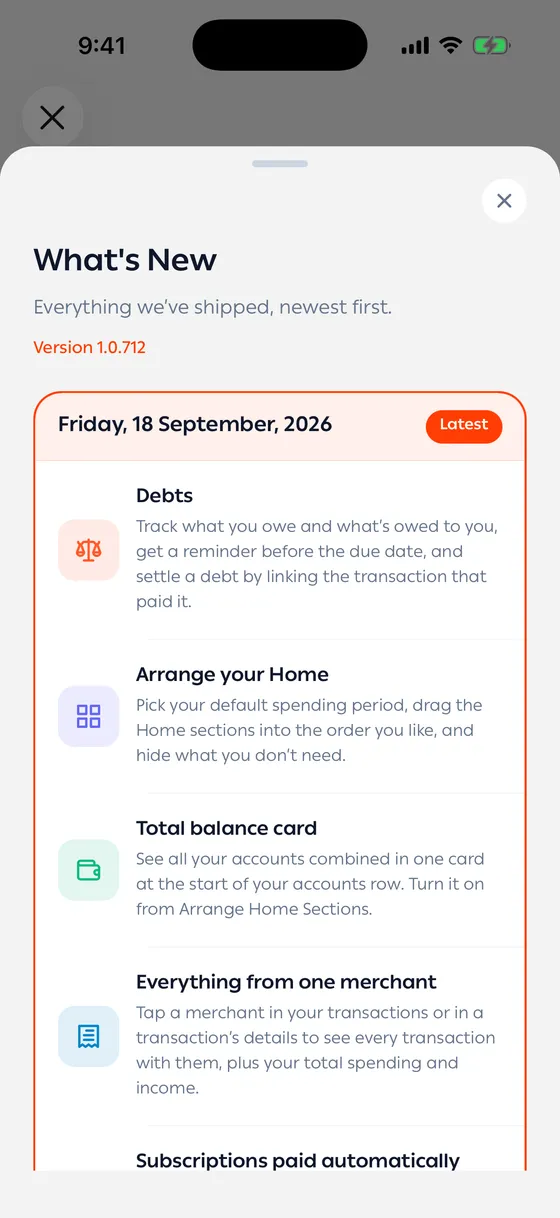
Under Account → Latest updates. A list of every version released, newest at the top, with what was added and what was fixed in each.
The version you’re running is marked Latest.
It also appears on its own
Section titled “It also appears on its own”The first time you open the app after an update, this screen comes up once so you can see what changed. Close it and it won’t return for that version — and you can come back to it from Account any time.
If your version isn’t listed
Section titled “If your version isn’t listed”You’re on an older one. Update the app from your app store and you’ll find everything you missed.
- Have a look after any update. Most new features don’t announce themselves on screen.
Common problems
Section titled “Common problems”The list is empty — it needs a connection to load. Pull down and try again.