
Recurring payments
Limited on the free planMoney leaves you every month without you noticing: a subscription, an installment, a loan. The app gathers them in one place, shows what’s due this month, and reminds you before each date.
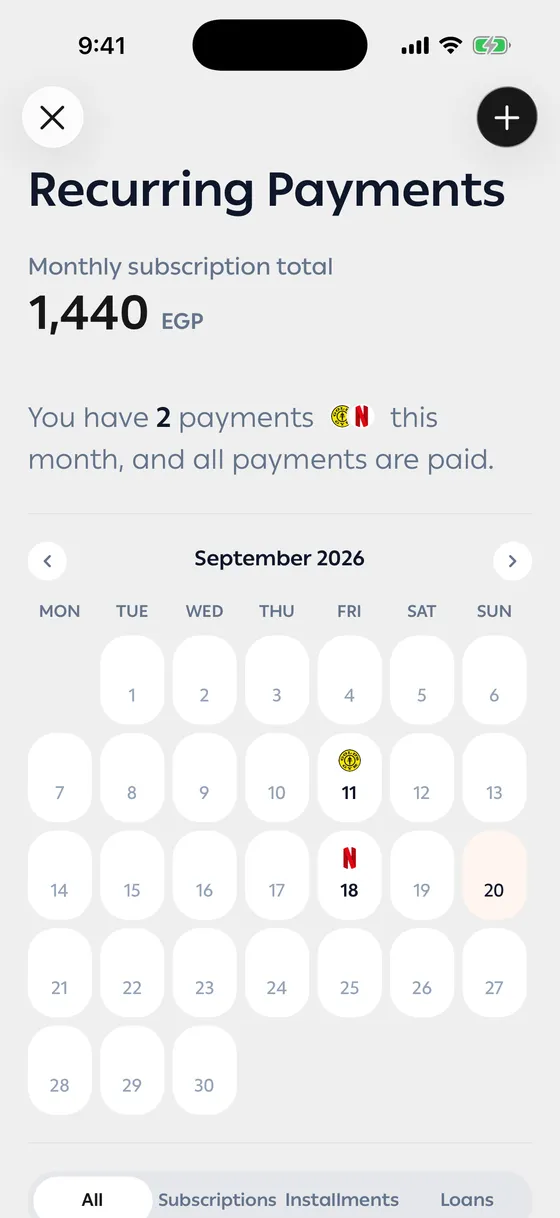
The three types
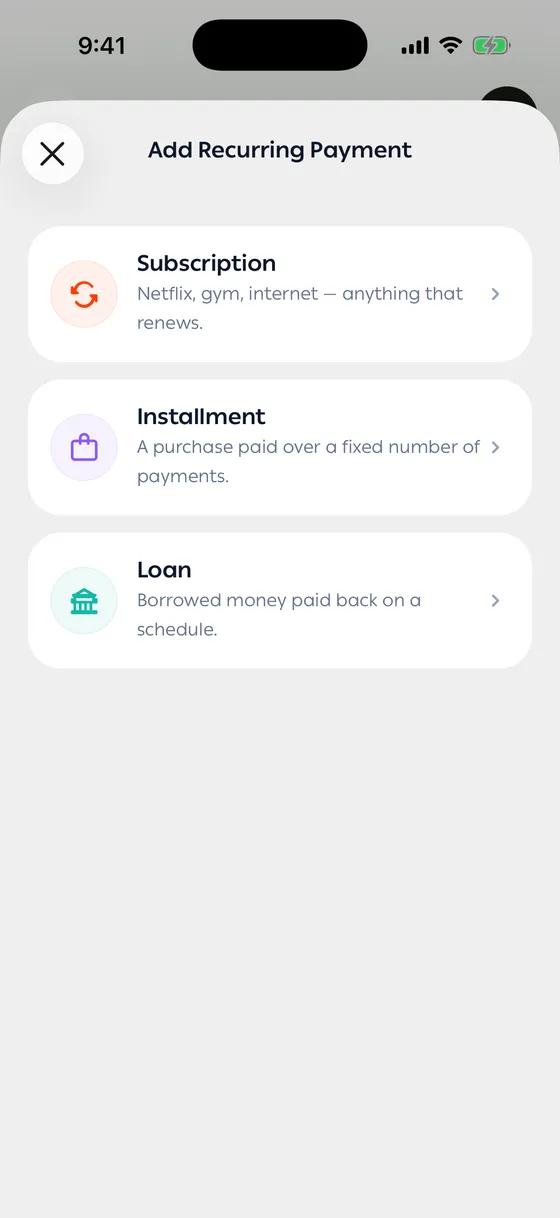
Section titled “The three types”| Type | Means |
|---|---|
| Subscription | Something that keeps renewing |
| Installment | Something you bought, paid over a known number of payments |
| Loan | Money you borrowed and pay back on a schedule |
Adding one
Section titled “Adding one”- Open Recurring Payments and tap add.
- Choose the type.
- Enter the name, the Payment amount and the Billing cycle (week, month, quarter, year).
- Set the Next renewal date, or the First payment date for an installment or loan.
- For installments and loans, set the Number of payments and how many you’ve already made. The app works out the total.
- Choose the category and account.
Reminders
Section titled “Reminders”Turn on Reminder and choose how many days ahead to hear from us. You can pick more than one day.
Recording it for you
Section titled “Recording it for you”Mark as paid automatically has the app record the payment and add the transaction on the renewal date, against the account you choose. Good for anything charged automatically.
When the app spots the payment
Section titled “When the app spots the payment”If a transaction arrives that looks like the payment, you’re asked Is this the payment? — tap Yes, it’s paid to link them, or Not this one to keep waiting.
You can always tap Mark as Paid yourself.
Pausing
Section titled “Pausing”Pause tracking silences the reminders without deleting anything, and Resume brings it back.
- Enter installments with the right number of payments and you’ll always know how many are left.
- Use automatic recording only for what’s really charged automatically; record the rest when you pay.
Common problems
Section titled “Common problems”A payment was recorded twice — automatic recording is on and the bank’s message arrived too. Delete one and turn the automatic option off.
No reminder arrived — check that the reminder is on and that the app’s notifications are allowed.