
Your details
Under Account → Account Info.
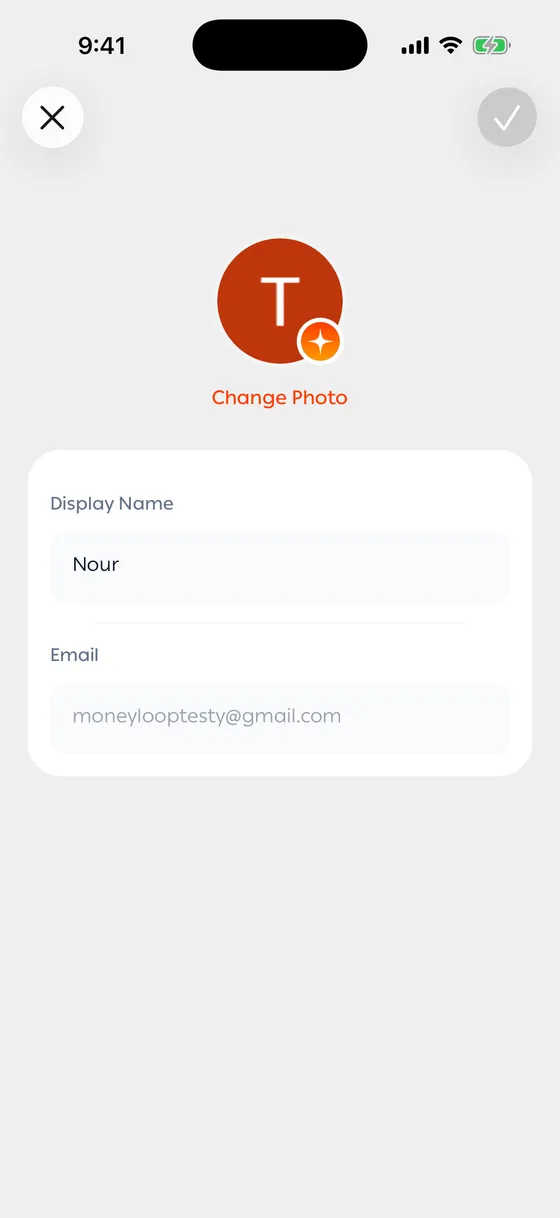
Name and photo
Section titled “Name and photo”Your name is what you see in the app, and it’s the same name people see when you split a bill with them.
A photo is optional.
- Tap Change photo.
- Choose Take photo or Choose from gallery, or Remove photo to clear it.
- Save.
Shown to you, and not editable. It’s the address you sign in with.
Phone number
Section titled “Phone number”Its own page. You pick your country from the list and type the number.
- Use your real name if you split bills with people — it makes you easier to recognise.
Common problems
Section titled “Common problems”The photo won’t upload — some image formats aren’t supported. Try a different photo.
It says the number is invalid — pick the right country first, then type the number without the country code.